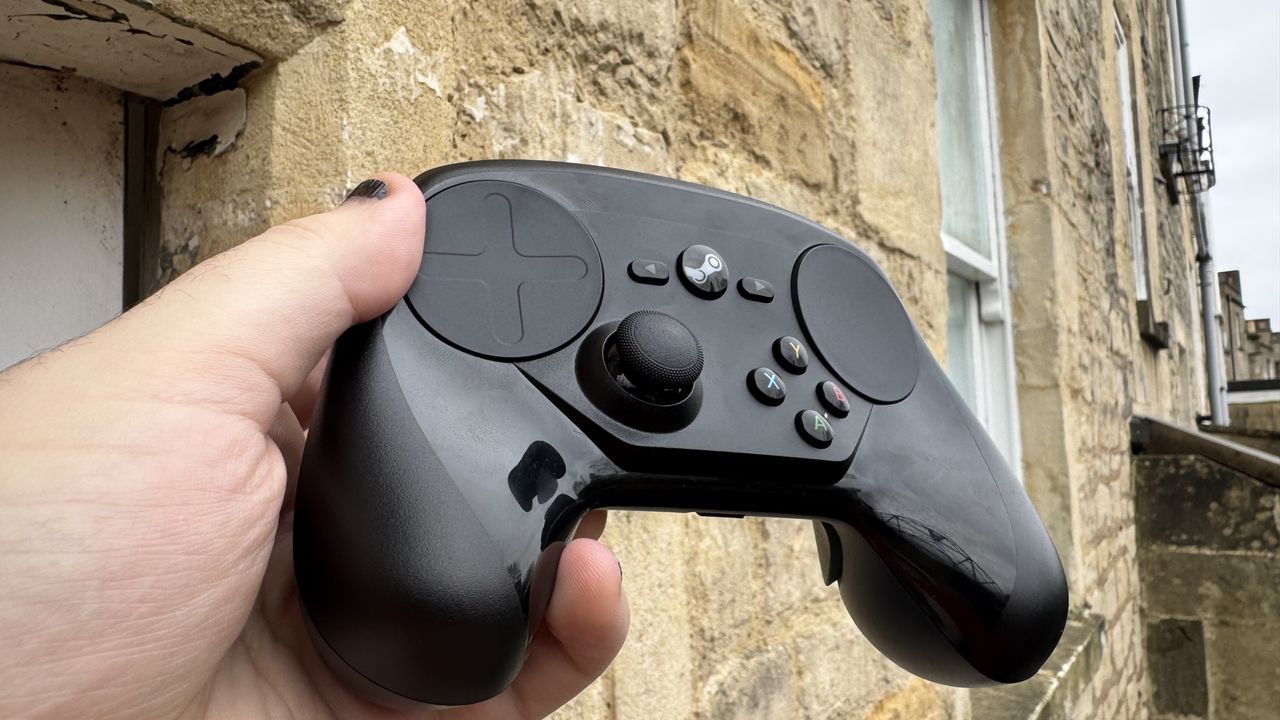
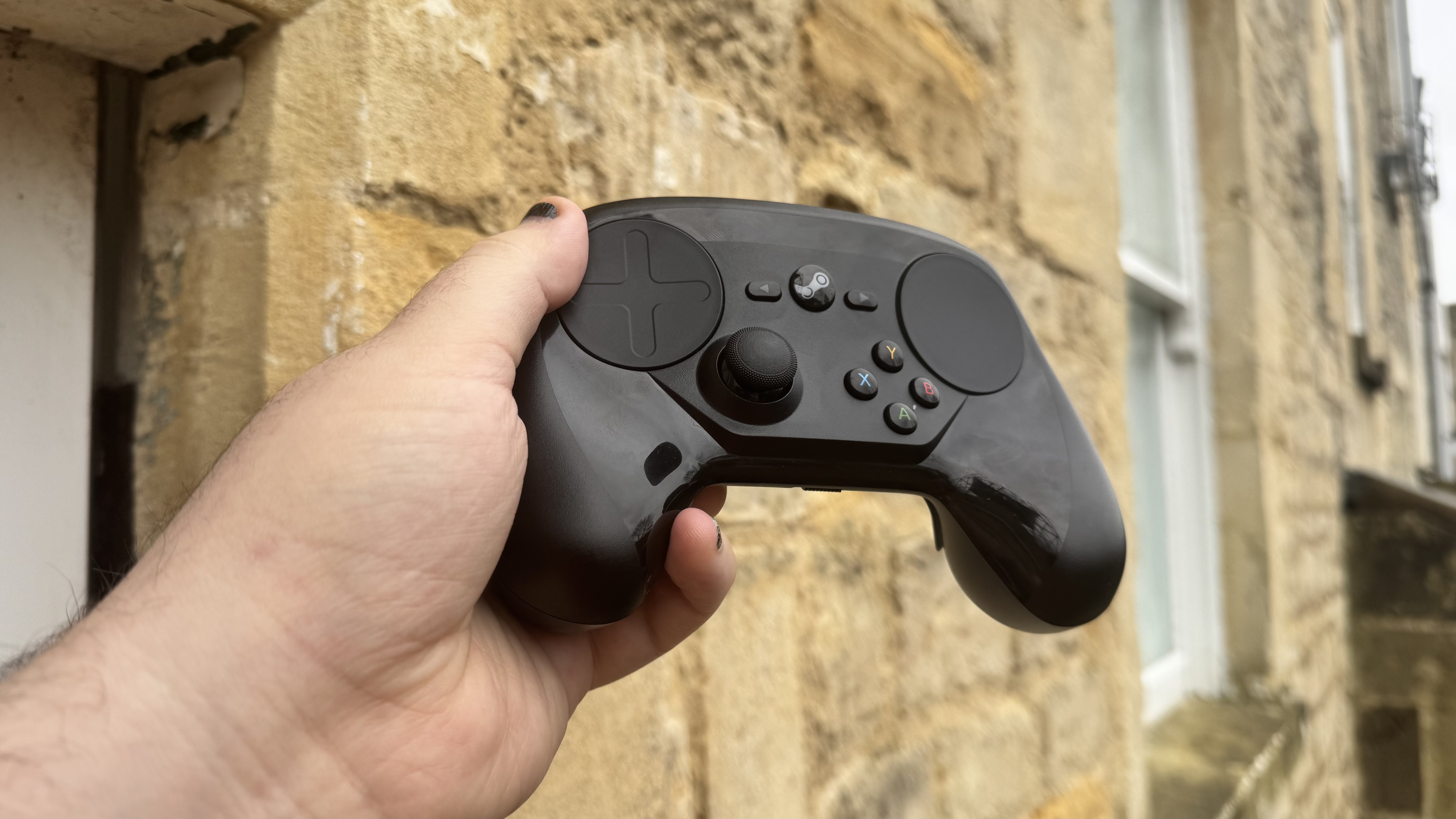
Valve made a brave move with the launch of its Steam Controller in 2015. It’s a pad designed for PC gaming on the sofa, and it removed the right thumbstick of a traditional controller and replaced it with a mouse-aping trackpad. With another trackpad on the left-hand side in place of the d-pad, you’re dual-wielding… and stuck with a high learning curve and a pretty ugly look. However, some have sworn it’s the way to go, once you’re used to it, and I’ve had what I can only describe as a morbid curiosity ever since.
It’s fair to say that we at PC Gamer have never been the biggest fans of the Steam Controller, either. We got the chance to try it at GDC in 2014, where we said, “I would’ve absolutely had more fun and been more effective with an Xbox 360 controller.”
We then got to test it for its official launch the following year and were, again, not that impressed. We also weren’t that into the idea of a second one back in 2022, though we did admit the Steam Deck owes its great controls to the controller.
In fairness, with Valve eventually selling the controller for just $5 by the end of its life, it seems like the general controller-wielding masses weren’t massively moved by it either. But with the controller just recently celebrating its ten-year anniversary, and Valve unveiling a Steam Controller follow-up, I thought now was the perfect time to give it the ‘ol college try.
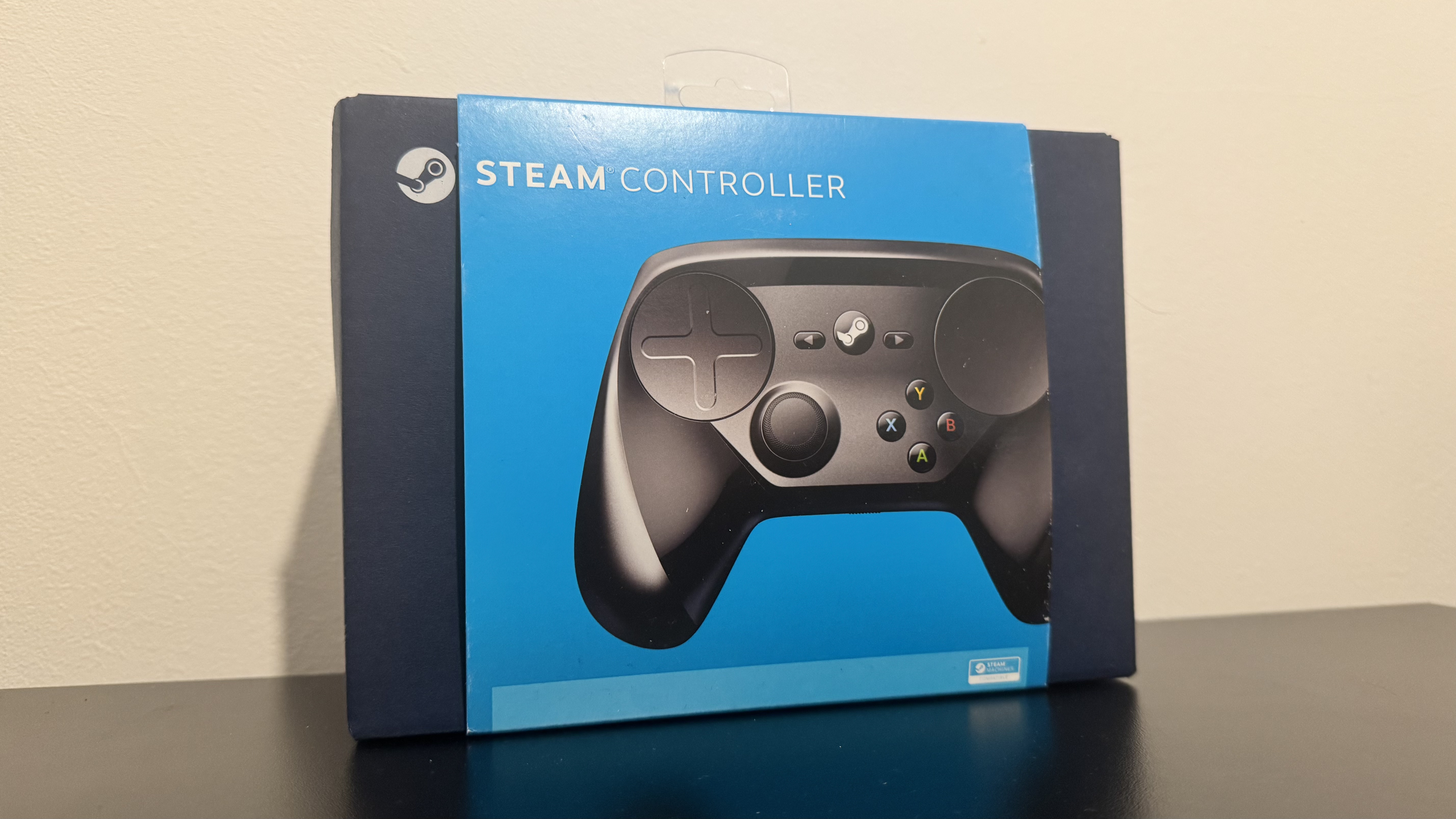
Compatibility: Windows 10 and 11, Mac, SteamOS
Connectivity: Wireless and wired
Thumbstick layout: Just the one
Weight: 286 grams
Dimensions: 120 x 160 x 64.2 mm
Price: $50 (at launch)
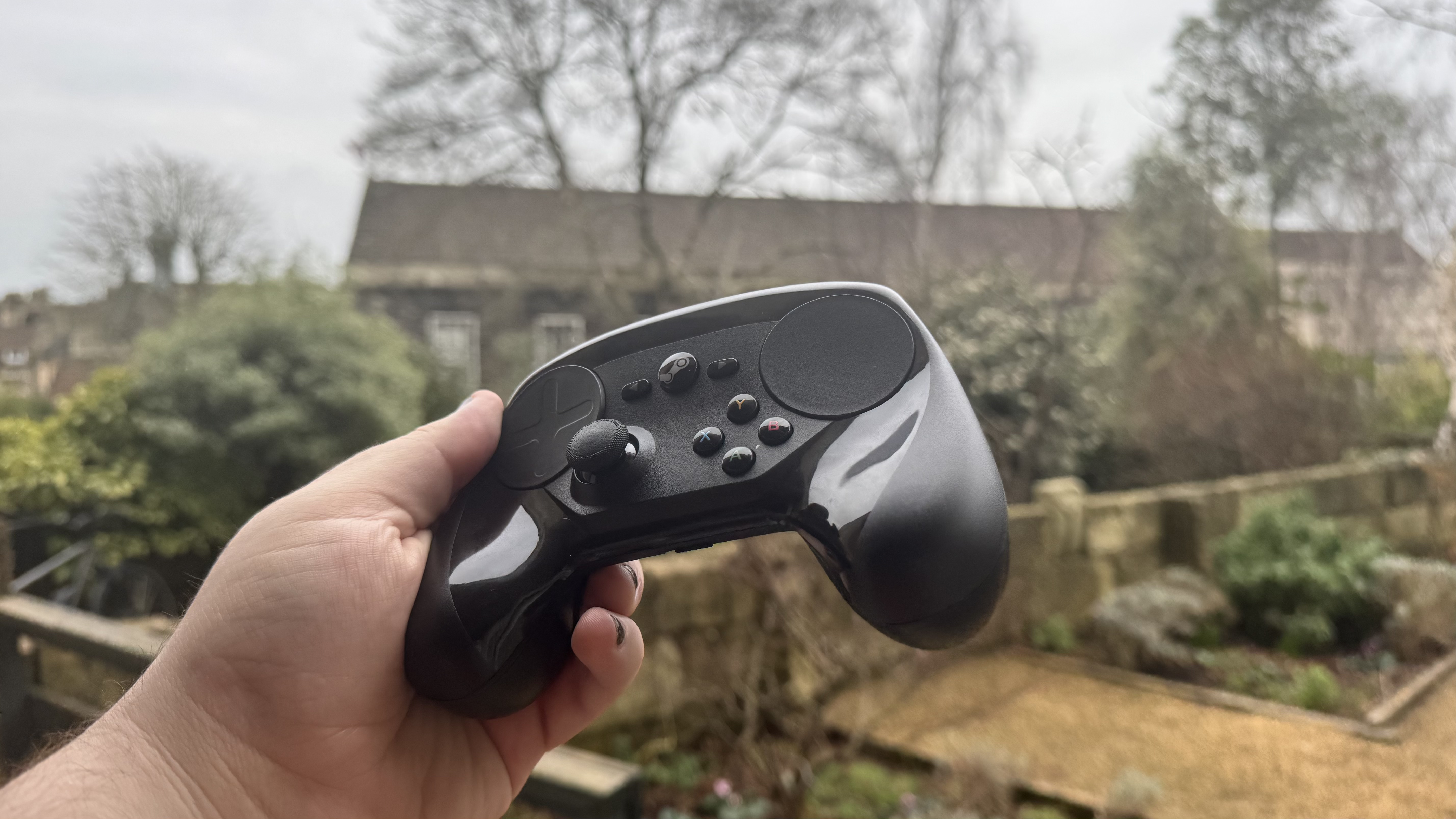
The Steam Controller doesn’t sell itself very well from the second it gets picked up. With the sunken side and lack of a right thumbstick, it reminds me of those old mockup concepts of the Xbox 720 you’d find back in 2010. Moving past the looks, there’s a noticeable clack to most of its buttons. The bumpers are probably the worst culprit for this, but no button is particularly nice-feeling.
They emit a notable ping on the inside when pressed that feels like the hardware geek equivalent of grinding your teeth. This ping is distinctly loud in the trackpads at a normal controller distance, but the rest of them aren’t too loud in that regard. However, it’s still a consideration I’ve had to make, which I don’t for most controllers.
Occasionally, the bumpers rattle just a little when I take my finger off, too, which is one of many signs the controller just isn’t that well built. It feels very plastic-heavy in the palm and has a general rattle to it.
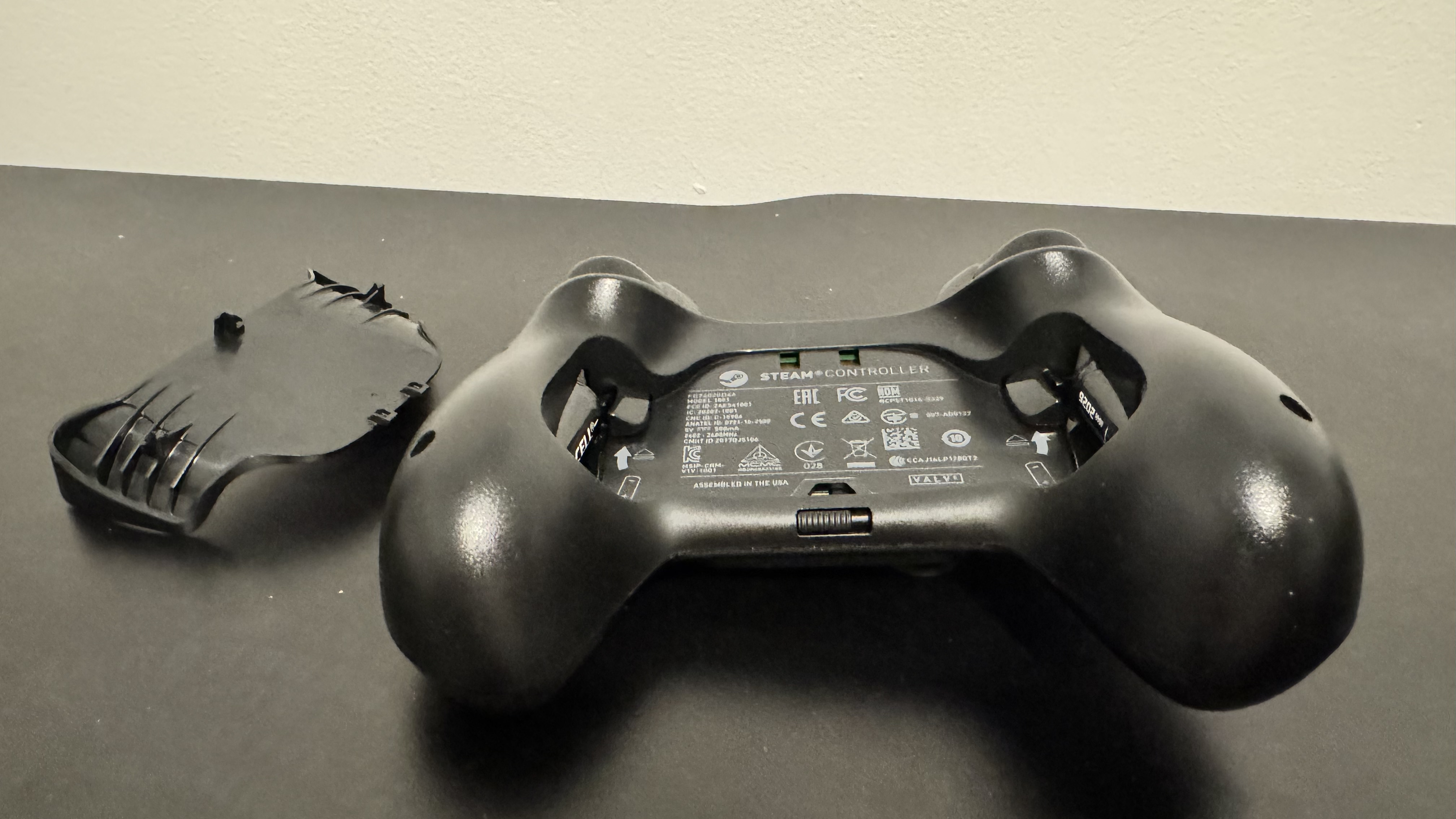
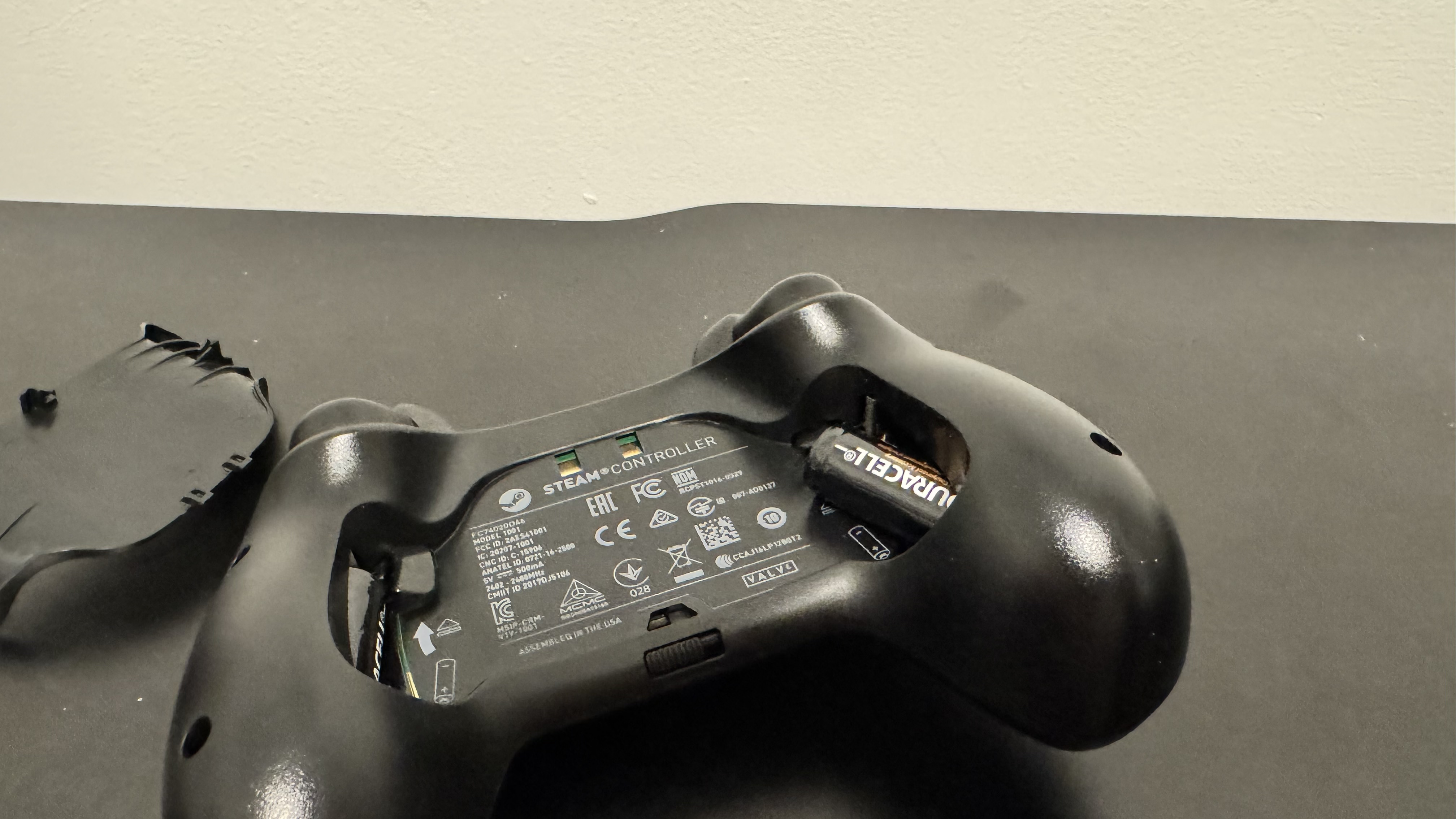
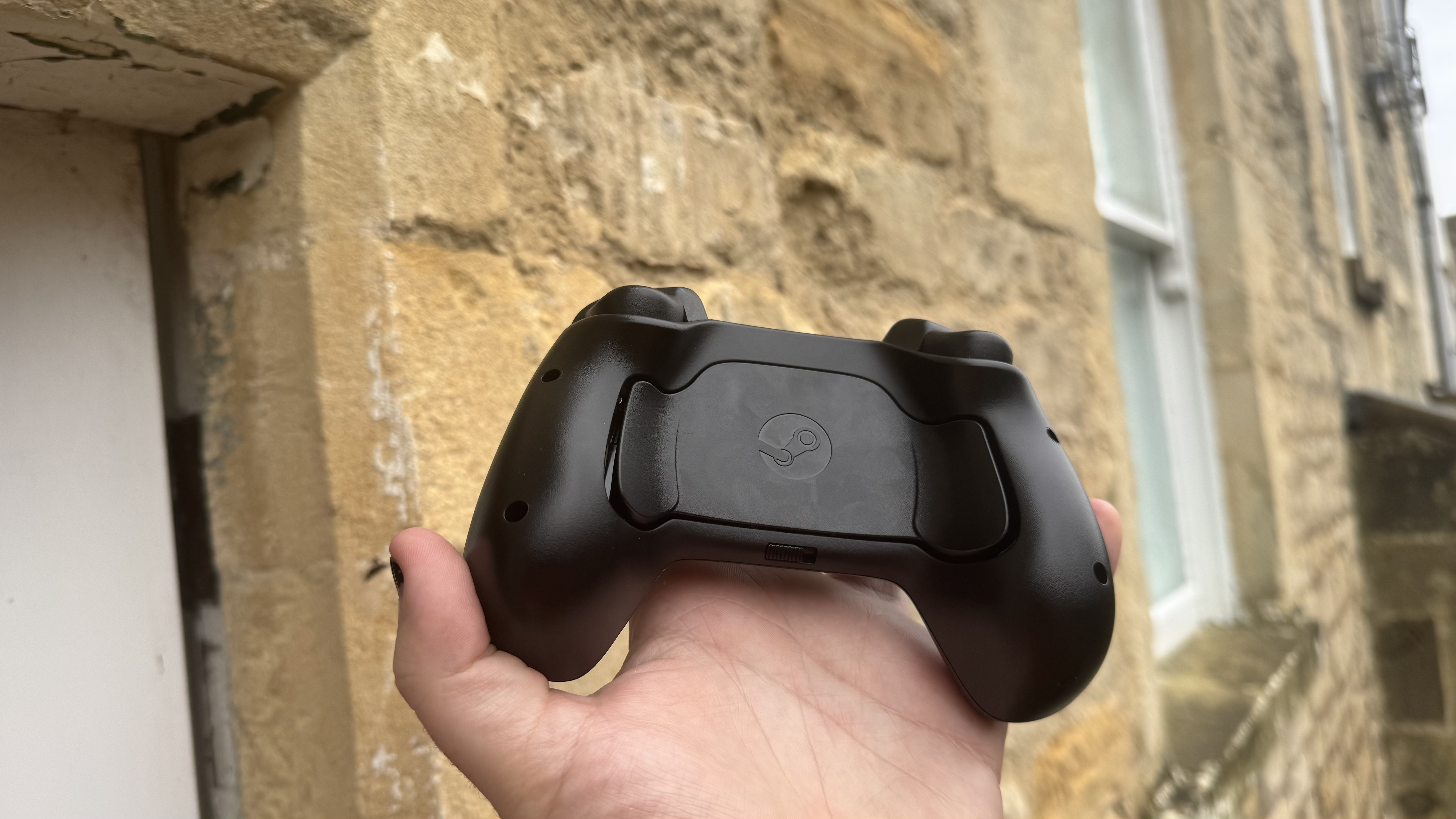
The trackpad can also let out a horrid ticking sound. This is linked to the controller’s haptics, and you can reduce it by reducing feedback, but, naturally, that means less feedback. The battery system is neat, though, with a latch at the back that pops a brace off, and a slot in the side of each grip to put batteries.
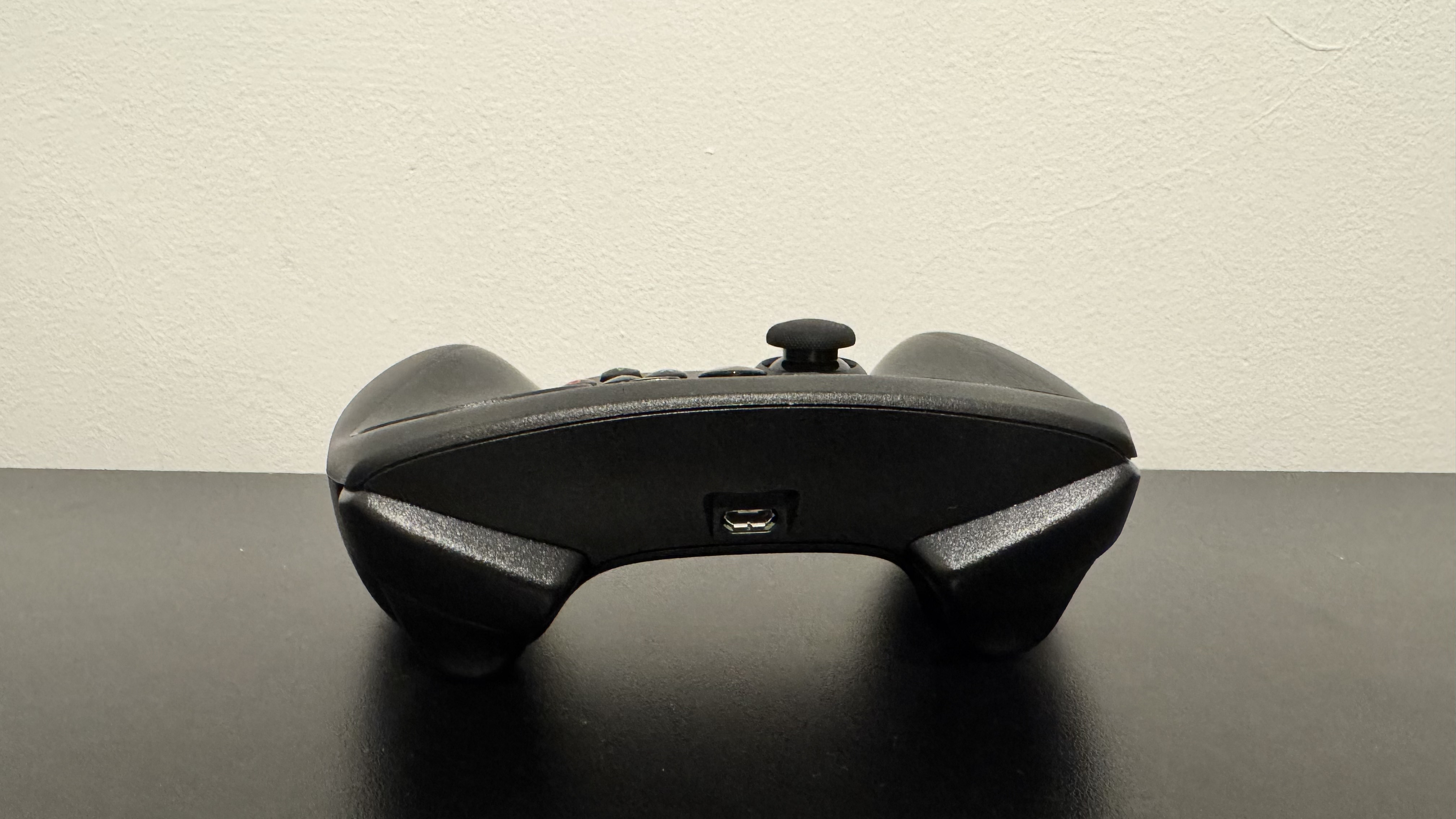
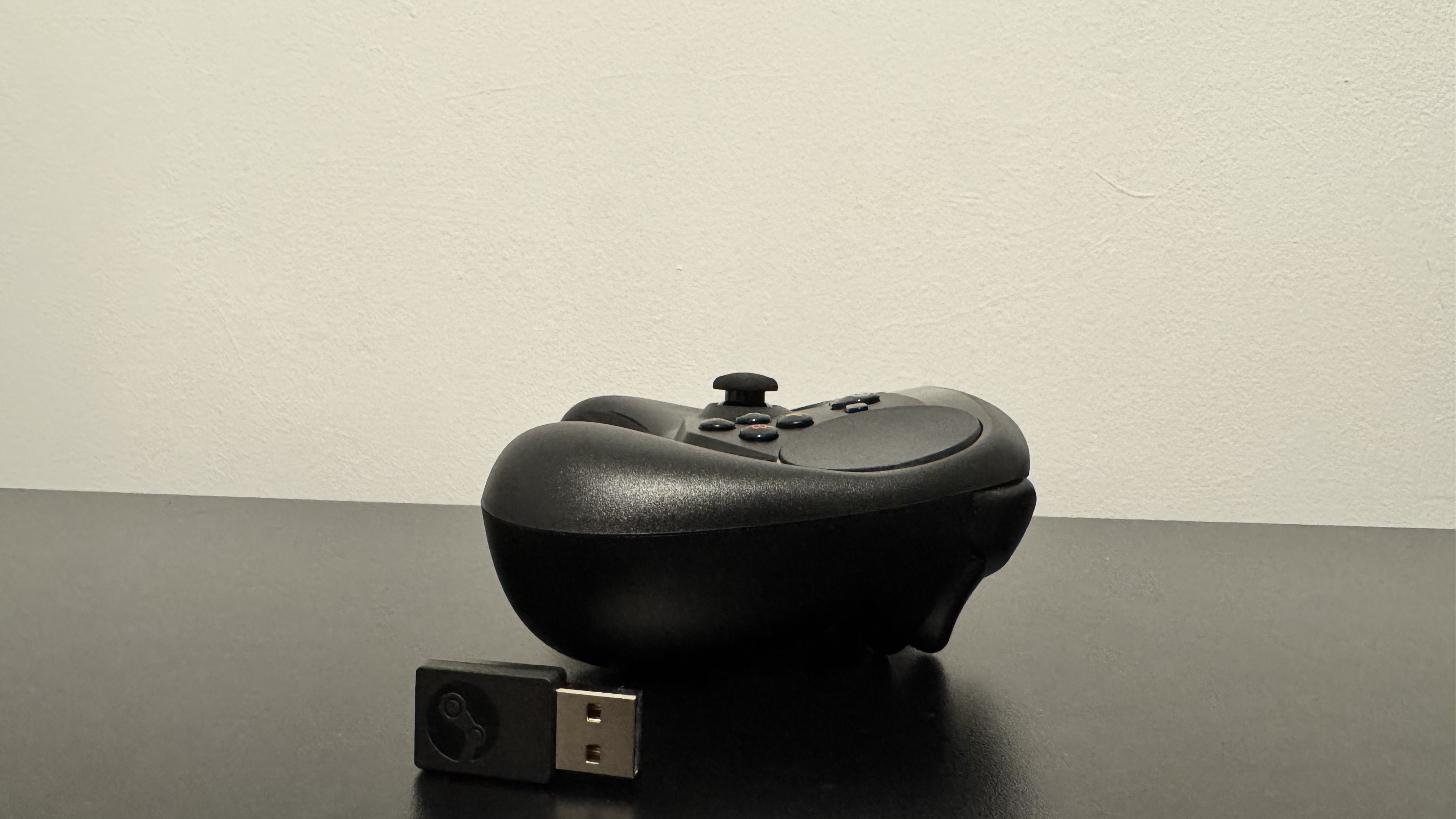
Those batteries can then be flicked out by hitting a button just above them. The Steam Controller only works wirelessly with batteries, but it can work wired with a Micro USB port at the top. Wireless play simply requires throwing in the batteries, plugging in a USB receiver, and hitting start.
So, given that the Steam Controller is intended to bridge the gap between mouse and keyboard, I felt the suite of games I needed to try had to be a little of both. The first game I booted up was Counter-Strike 2. It felt… awkward. Fine control is not awful, but snap shooting takes a lot of work for little reward.
I still managed to wipe the floor with bots, but that’s mostly because of positioning and movement. The actual shooting takes a back seat to everything else. I also tested Highguard, Don’t Stop, Girlypop!, and Echo Point Nova on the controller, and these also felt worse than with a mouse and keyboard or standard controller.
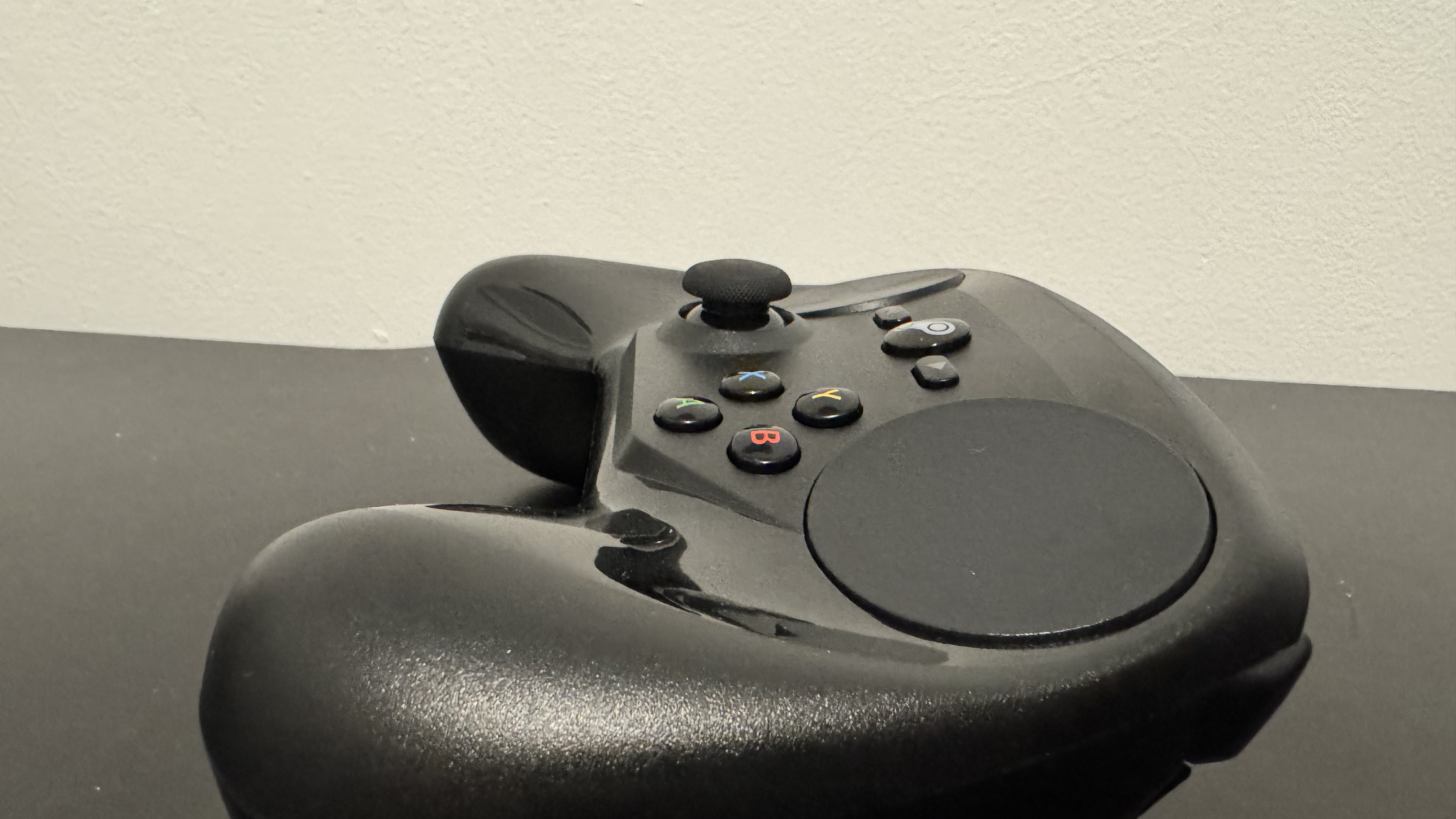
See, I think part of my problem here is that you’re forced to use a trackpad for your aim. The left-hand side has a joystick, so I get a little flexibility, but the trackpad is unavoidable. One problem here is that you can’t really use your thumb flat like you can with a traditional controller, so I felt myself constantly hovering my thumb just a little to avoid misclicks.
Testing out Rocket League (admittedly, not on Steam) required manually adjusting all my mouse and keyboard controls, as it doesn’t pick up the Steam Controller as a pad. Unfortunately, this leaves controls feeling rigid. For example, where you’d usually be able to roll forward as you jump with a standard controller, the Steam Controller makes you do those inputs separately. This means it will always be a little slower to roll than a traditional controller.
Also, keyboard and mouse controls stay, so hitting the right bumper and ‘A’ together would change from full screen to windowed. With ‘A’ being jump, and the right bumper being air roll, I found myself hitting this combo often. It also can’t handle ball controls, as the trackpad is less linear than the controller.
This means camera control is janky and stuttery. No matter what my teammates say, that’s why I missed that open goal.
However, one problem did pop up with Rocket League that was fairly common in other games. The huge trackpad and small face buttons make for a very awkward stretch, and you need to take your thumb entirely off the trackpad before moving to the face buttons to avoid a misclick.
There’s also a bridge between mouse and keyboard, and controller, that some games struggle to parse. Art simulator Such Art just failed to pick up the trackpad as a mouse, and instead seemed to pick it up like a joystick. This means that movement would jerk from one place to the other, rather than a smooth glide. I suspect this same control problem is what made Rocket League’s camera malfunction.
One thing I can say for certain is that I see the vision here
So, I can say that, on traditional controller games, the Steam Controller failed to make a good impression on me. However, the biggest sell for the Steam Controller is to play games not traditionally available on a controller, so Against the Storm was my next pick.
Here is where I really started to get the vision of the Steam Controller, or at least its trackpad. I did find myself longing to use a mouse, but the trackpad was always designed more for couch play with the original Steam Machines, and here, it works. The standard controller layouts didn’t work, but a community one mapped almost perfectly, and some minor tweaks got me the rest of the way. As well as this, the focus on the triggers meant the face buttons annoyed me less than I was expecting.
Crusader Kings 2 is similar, though the clutter of menus and not-quite-precise enough trackpad did mean I felt constantly just a little slow. I often felt myself slowing the game down or entirely pausing it to get to notifications.
Moving over to Total War: Warhammer 3 and its blend of strategy and RTS, I found the overworld relatively easy to control, but fine controls in the corner of the screen would occasionally send me a little off the map. The battles are tough, though. This is partly due to controllers having fewer buttons but mostly because the trackpad feels slow, and the pad feels flimsy in the hands. Even after getting used to its shape, everything just feels inefficient.
But one thing I can say for certain is that I see the vision here. Even a clumsy trackpad gives more control than a typical controller, and being able to handily navigate windows without a mouse and keyboard means I can lounge a little while I play. And the Steam Controller was a bit of a trailblazer in broader controller support for non-traditional controllers on Steam.
In turn, the Steam Controller was naturally very important in the development of the Steam Deck. Greg Coomer, Steam Deck designer, told us, “We learned so much from the Steam Controller, and we continue to, you know. It’s a supported device in a big way on Steam still… even though we don’t currently have it in the Steam Store.”
The community support for the Steam Controller was picked up (and finetuned) by Steam Deck users. The Steam Deck’s implementation of two trackpads, two joysticks, and a directional pad makes the device much more versatile for different use cases, and this is something the upcoming Steam Controller carries on with.
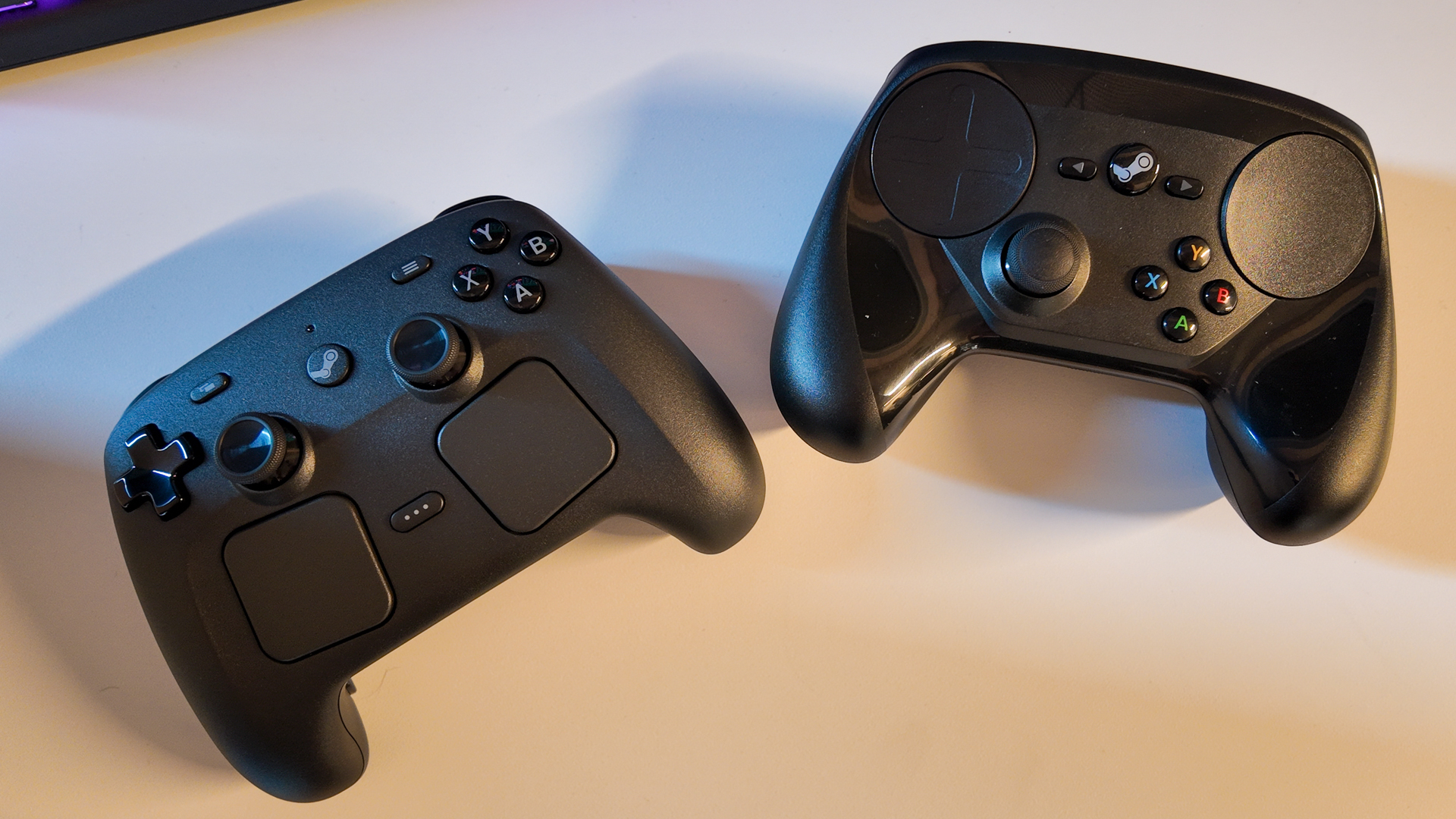
But the original Steam Controller is still ugly, feels awkward and cheap in the hands, and I’m not entirely sure it won’t break from a couple of particularly rough drops. However, the new Steam Controller set to launch this year looks like it’s stepping up the plate with solid build quality (as best as we can tell with the time we got with it) and the addition of modern trappings like TMR and a charging puck.
As an oddity of a time gone by, I enjoy the weirdness of Valve’s first Steam Controller, and certainly see why one would like it. Despite my grievances, if I could go back in time and pay the $5 to get the controller, I would. I don’t know if that says more about the worth of the controller or my frivolous spending habits.
feedzy_import_tag feedzy_import_tag
About the Author